Ice Client : Steam™ Trading0.13.0
Publisher Description
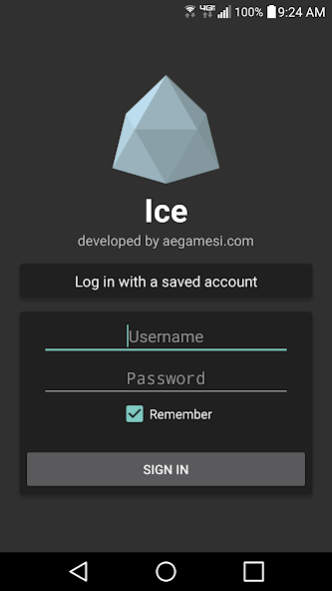
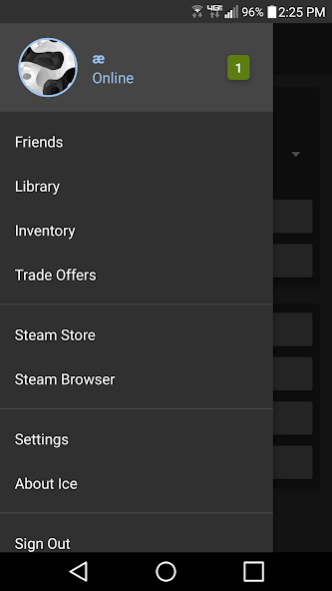
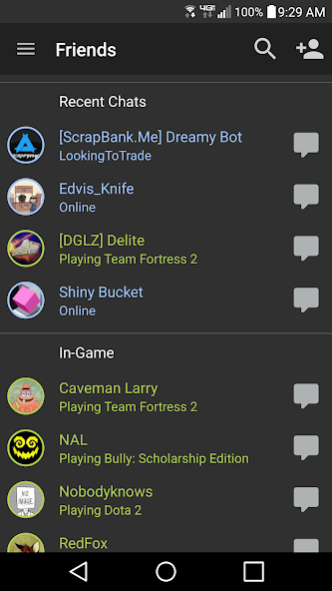
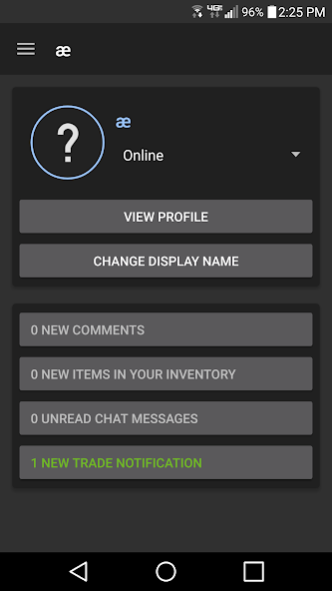
Ice is a native Android app that functions as a client for Valve™'s Steam™ network -- enabling you to chat and trade on the go!
What it supports:
- SteamGuard (including two factor authentication)
- Multiple saved accounts
- Steam/Game Trading + Trade Offers
(including private backpacks and non-TF2 trading)
- Steam Market / Steam Store
- Viewing Steam/Game Inventories
(including crafting some TF2 items)
- Chatting with friends
- Managing friends
- Changing display name / online status
- Redeeming CD keys / activation codes
- "Idling" in games
Additional Information
- The source code can be found here: https://github.com/aegamesi/SteamTrade/tree/master
- The source code is licensed under the MS Reference License
Ice does require you to enter your Steam™username and password. This information is sent only to official Steam™ servers.
Ice is not owned by, affiliated with, supported by, or in any way related to Valve Corporation.
NOTE: Due to SteamGuard, you generally cannot trade on a new device until 7 days have passed since your first login. This cannot be circumvented.
About Ice Client : Steam™ Trading
The company that develops Ice Client : Steam™ Trading is aegamesi. The latest version released by its developer is 0.13.0.
To install Ice Client : Steam™ Trading on your Android device, just click the green Continue To App button above to start the installation process. The app is listed on our website since 2018-05-23 and was downloaded 4 times. We have already checked if the download link is safe, however for your own protection we recommend that you scan the downloaded app with your antivirus. Your antivirus may detect the Ice Client : Steam™ Trading as malware as malware if the download link to com.aegamesi.steamtrade is broken.
How to install Ice Client : Steam™ Trading on your Android device:
- Click on the Continue To App button on our website. This will redirect you to Google Play.
- Once the Ice Client : Steam™ Trading is shown in the Google Play listing of your Android device, you can start its download and installation. Tap on the Install button located below the search bar and to the right of the app icon.
- A pop-up window with the permissions required by Ice Client : Steam™ Trading will be shown. Click on Accept to continue the process.
- Ice Client : Steam™ Trading will be downloaded onto your device, displaying a progress. Once the download completes, the installation will start and you'll get a notification after the installation is finished.
Program Details
System requirements
Download information
Pricing
Version History
version 0.13.0
posted on 2018-05-23
0.13.0:
• Permanently remove ads
• Shrink app size by 2.9x
0.12.9:
• Fix frequent crashing in 0.12.8
0.12.8:
• Fix Android Oreo compatibility issues
• Brazilian Portugese translation (courtesy Diógenes Marlon)
0.12.7:
• Update 3rd party libraries
• Czech translation (courtesy WaRToNofficial)
• Fix errors in Russian translation
version 0.13.0
posted on 2018-05-24
0.13.0:
. Permanently remove ads
. Shrink app size by 2.9x
0.12.9:
. Fix frequent crashing in 0.12.8
0.12.8:
. Fix Android Oreo compatibility issues
. Brazilian Portugese translation (courtesy Diógenes Marlon)
0.12.7:
. Update 3rd party libraries
. Czech translation (courtesy WaRToNofficial)
. Fix errors in Russian translation
version 0.12.7
posted on 2017-12-12
0.12.7:
• Update 3rd party libraries
• Czech translation (courtesy WaRToNofficial)
• Fix errors in Russian translation
0.12.6:
• Full Russian translation (courtesy Nikita Sychev)
• Turkish translation (courtesy Arda Cn.)
0.12.5:
• Add 7 new currencies
• Korean translation (courtesy Flowaria)
• Partial Russian translation (courtesy Alexey Krainev)
• Add 'Stop Idling' button
version 0.11.8
posted on 2016-10-27
0.11.8:,• Update to API level 25,• Update Google, 3rd party APIs,• Moved ad location,• Long press on SteamGuard code to copy to clipboard,0.11.5:,• Compatibility with Android N,• Fixed bug where emoticons were displayed too small,0.11.4:,• Login process is now cancelable,• Fixed bug where trade offer action buttons might not be displayed,• Login form now auto-fills SteamGuard code if mobile authenticator is available
